Content Upgrade: Turn Blog Readers Into Leads
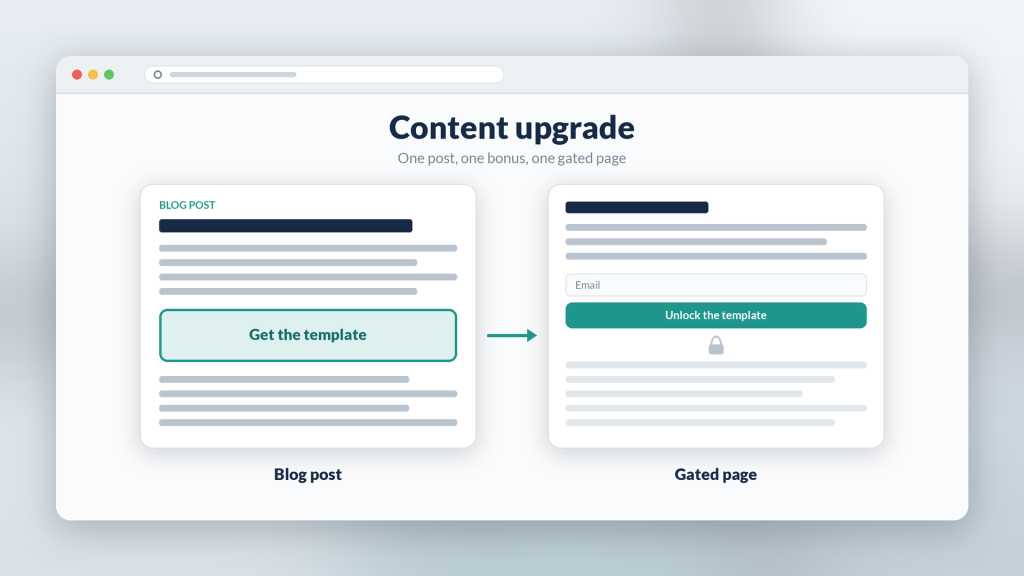
A content upgrade is a bonus asset tied to one specific blog post: the template, checklist, or worked example a reader of that article wants next. Generic sidebar offers ask a reader to change topics. A content upgrade continues the one they are already reading, which is why it is usually the easiest lead magnet to justify on a post that already gets traffic.
Below: how to pick the upgrade, where to place it, which gate to use, and how agencies reuse the pattern. Examples use Subpage, a no-code gated lead magnet builder, but the logic applies to any tool.
What counts as a content upgrade
A content upgrade has three traits:
- It is specific to one post. “Download our marketing guide” is a site-wide offer. “Get the 12-point audit checklist from this post” is an upgrade.
- It saves the reader work. Templates, swipe files, checklists, calculators, and filled-in examples beat “more reading.”
- It is finishable. The reader should be able to use it today, not file it away.
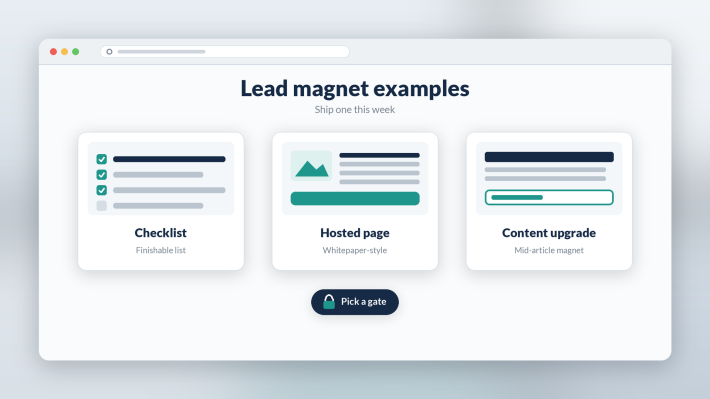
If you already have a strong checklist pattern, start there; the checklist lead magnet format is the most common content upgrade for a reason.
Content upgrade examples by post type
- How-to post: the step list as a printable or copyable checklist, plus one extra step not in the article.
- Comparison post: a scoring sheet the reader fills in with their own options.
- Strategy post: a one-page plan template with the article’s framework pre-filled.
- Agency client blog: a localized or industry-specific version of the post’s checklist for that client’s buyers.
Ask: “After reading this, what would the reader build next?” Then give them a head start on that.
Where to place the upgrade in the post
Most readers never reach the footer, so one mention at the end is not enough. A practical layout:
- Early mention: one sentence after the intro that names the upgrade.
- Mid-article box: the main placement, right where the post reaches the step the upgrade helps with.
- Closing line: a short reminder after the conclusion.
Link every mention to the same upgrade page with the same wording.
Why a hosted gated page beats a PDF download
The classic content upgrade is a PDF delivered by email. It works, but it has two problems: the file is frozen the day you export it, and the reader has to leave your page, open an inbox, and come back.
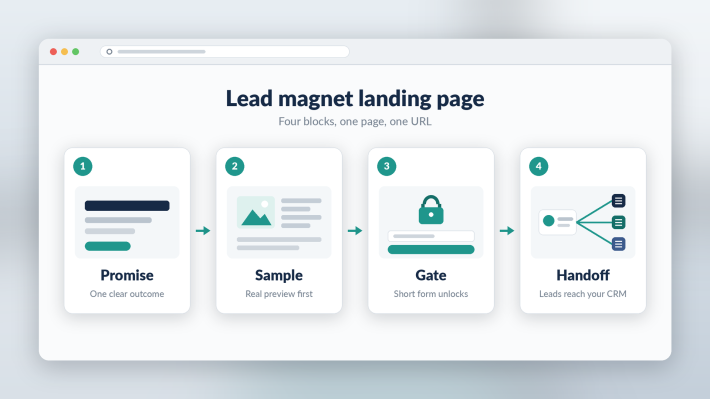
A hosted gated page fixes both. The reader lands on a branded URL, sees a sample of the upgrade, fills in a short form, and the rest unlocks in place on the same page. There is no thank-you redirect and nothing to wait for. When you improve the checklist next month, every new reader gets the current version. If you are weighing that switch, see PDF lead magnet alternatives.
Choosing the gate for a content upgrade
Subpage offers exactly four gate types, and you use one per page:
- Squeeze Page: full-page gate. Best when the upgrade is high value and the reader already knows what they want from the blog post.
- Gated content (scroll depth): the first part is visible, the rest unlocks after the form. Best when a sample proves the upgrade is worth it.
- Tab gating: one open tab, other tabs gated. Good for a template bundle with a free “how to use it” tab.
- Password: no email captured. Useful for upgrades reserved for existing subscribers or clients.
For most content upgrades, scroll-depth gating is the safe default because the visible sample does the persuading. The soft gate vs hard gate guide goes deeper on the trade-off.
Handing off the lead
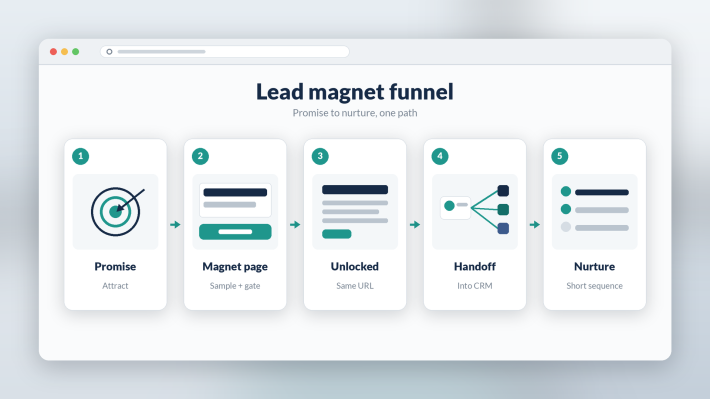
Decide before launch where each lead goes: your email platform, your CRM, or a client’s system via webhook, Zapier, or export. Tag leads with the post they came from so follow-up can reference the topic. The CRM lead handoff walkthrough covers the setup.
The agency angle
Agencies can turn content upgrades into a repeatable deliverable: one page skeleton, one gate choice, one handoff pattern, then swap brand, promise, and sample per client. That keeps delivery fast without rebuilding anything on the client’s website. More on that workflow in the lead magnet tool for agencies post.
Write the upgrade from the post’s real steps; AI can help with structure, but review every line, because specificity is the whole point.
What Subpage users say
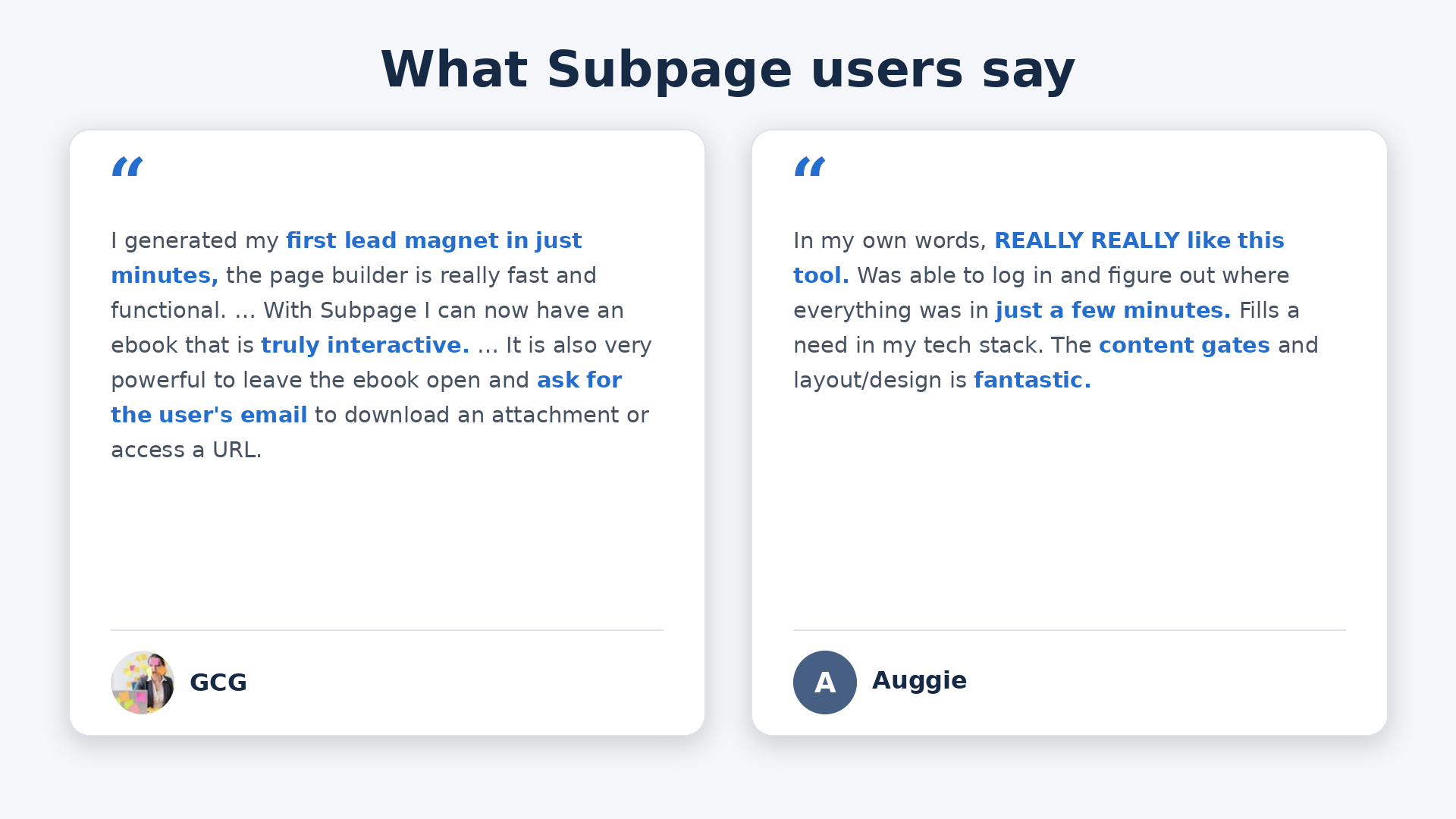
GCG: “I generated my first lead magnet in just minutes, the page builder is really fast and functional.” On interactive assets: “With Subpage I can now have an ebook that is truly interactive.” And on gating: “It is also very powerful to leave the ebook open and ask for the user’s email to download an attachment or access a URL.”
Auggie: “Was able to log in and figure out where everything was in just a few minutes. Fills a need in my tech stack. The content gates and layout/design is fantastic.”
Bottom line
Pick your highest-traffic post, ask what the reader would build next, and give them a head start on it. Host it on a gated page with a visible sample, one gate, and a clear handoff. Then repeat on the next post.
FAQ
What is a content upgrade? A content upgrade is a bonus resource made for one specific blog post, such as a checklist, template, or worked example, that readers get in exchange for their email. It converts better than a generic site-wide offer because it continues the topic the reader is already reading.
Where should a content upgrade go in a blog post? Mention it once after the intro, place the main offer box mid-article where the post reaches the step the upgrade helps with, and remind readers once after the conclusion. Link every mention to the same upgrade page.
Is a PDF the best format for a content upgrade? Not always. A hosted gated page lets readers see a sample, enter their email, and unlock the full upgrade in place on the same URL, and you can update it anytime without re-sending files.