CRM Lead Handoff: Capture Gated Leads and Push Them to HubSpot, GoHighLevel, or ConvertKit
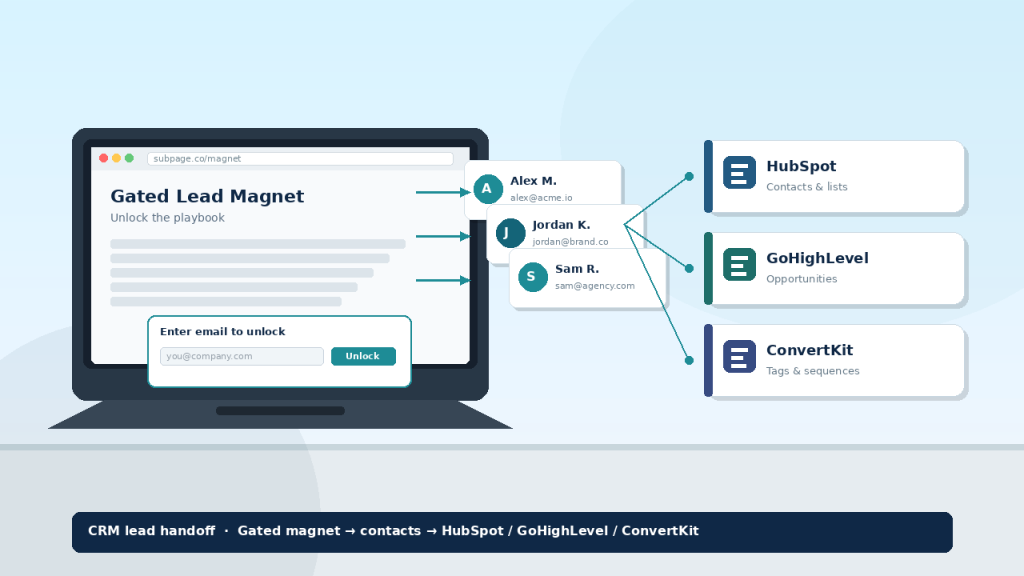
A gated magnet only earns its keep when the contact lands in the CRM your team already uses. That is the CRM lead handoff problem: capture on the magnet, then route to HubSpot, GoHighLevel, ConvertKit, or your client’s stack — without a custom engineering ticket every time.
Marketers, agencies, and founders lose pipeline when gated content dumps emails into a siloed inbox. Subpage is a no-code gated lead magnet layer: publish, gate, then hand leads off through Zapier, webhooks, ActivePieces, or export so the CRM stays the source of truth.
Why handoff breaks after the gate
Most lead magnets fail after the thank-you screen. The page converts; the CRM never sees the contact — or sees it late, incomplete, or duplicated.
Typical failure modes: leads stuck in the magnet tool’s list, manual CSV downloads, field mismatches that break HubSpot or GoHighLevel workflows, and agency clients on different stacks. One native integration is rarely enough.
Treat the gated page as the acquisition surface and the CRM as the system of record. Capture on Subpage; nurture and close in HubSpot, GoHighLevel, ConvertKit, or your ESP.
What Subpage captures before the handoff
Subpage is a no-code builder for gated lead magnets — not a full CRM. On the page you control gate style, branding, Premium white-label / custom subdomain for client work, and lead fields plus exports.
If you package magnets for retainers, the lead magnet tool for agencies brief covers brand and client-ready delivery. Pair that with gated content SEO best practices so the page can rank while it converts — then the handoff decides whether traffic becomes pipeline. More patterns live on the Subpage blog.
Paths into HubSpot, GoHighLevel, ConvertKit, and the rest
Zapier. New Subpage leads become Zap triggers; map email, name, and custom fields into HubSpot, GoHighLevel, or ConvertKit.
Webhooks. Fire on submit to middleware or a CRM API — best for exact payloads or one agency webhook that fans out to many client CRMs.
ActivePieces. Catch the Subpage event, transform fields, push to your CRM.
CSV / export. Right for audits and backfills, not as your only live-campaign path.
Pick one primary path per magnet and document the field map once. Build pattern: create lead magnet checklist — content, gate, then connection.
A practical handoff checklist
- Define the CRM destination first. HubSpot list, GoHighLevel opportunity, or ConvertKit tag — write it down before the gate.
- Ship the magnet on Subpage. Build the gated page, match brand, choose the gate that fits the offer.
- Map fields once. Email required; name and offer slug recommended; UTMs if you report by campaign.
- Connect Zapier, webhook, or ActivePieces. Test a fake submit; confirm the CRM record and tags.
- Monitor week one. Spot failed Zaps or missing tags before you scale traffic.
Agencies: productize “magnet + CRM handoff” as a line item. Founders and marketers: a test lead in the CRM is launch criteria, not a post-launch chore.
What Subpage users say
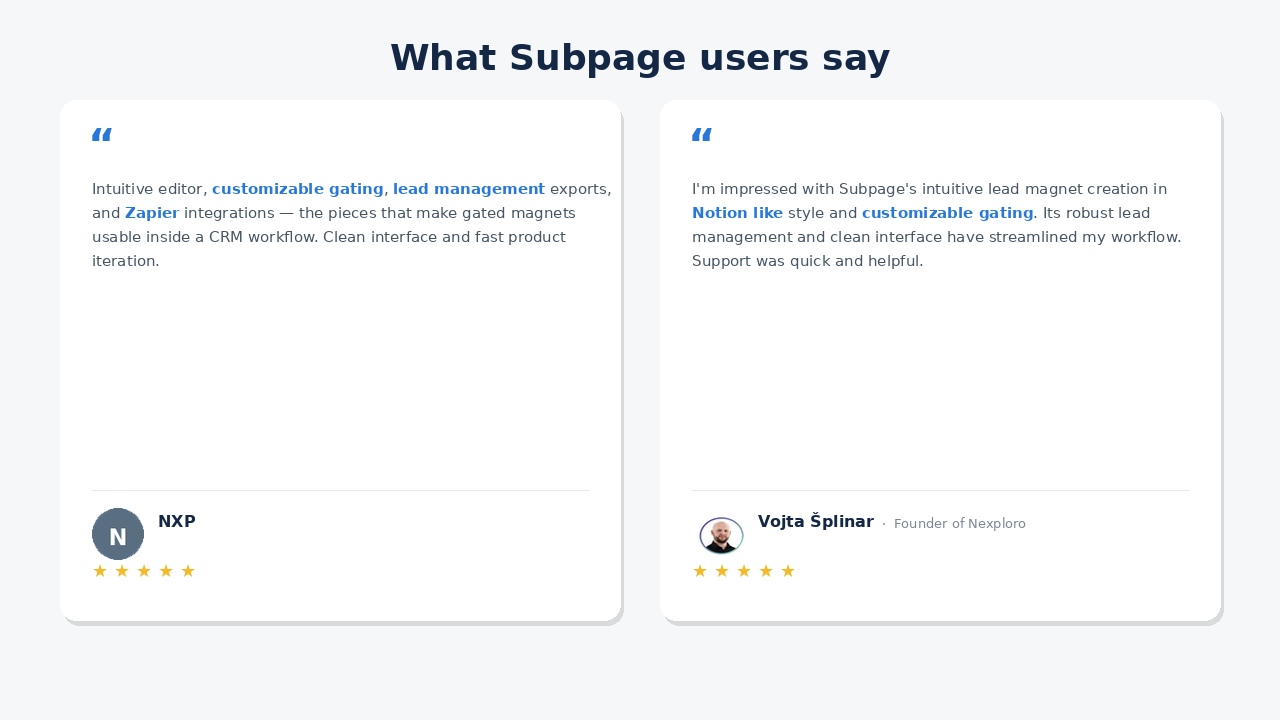
NXP: Intuitive editor, customizable gating, lead management exports, and Zapier integrations — the pieces that make gated magnets usable inside a CRM workflow.
Vojta Šplinar, Founder of Nexploro: “I’m impressed with Subpage’s intuitive lead magnet creation in Notion like style and customizable gating. Its robust lead management and clean interface have streamlined my workflow. When I had a question, their support was quick and helpful.”
Bottom line
CRM lead handoff is the difference between a pretty gated page and a working acquisition system. Capture on Subpage; deliver to HubSpot, GoHighLevel, ConvertKit, or any stack via Zapier, webhooks, ActivePieces, or export. Map fields once and test before you scale.
See pricing when you productize magnets for clients — then start free and wire the handoff on day one.
FAQ
How does Subpage hand leads to HubSpot, GoHighLevel, or ConvertKit? Capture on Subpage, then route via Zapier, webhooks, ActivePieces, or CSV export into the CRM you already use. Map fields once, test a submit, and keep nurture inside the CRM.
Do I need a developer for webhooks? Not always — Zapier or ActivePieces cover most marketer setups. Webhooks help for custom payloads or shared agency middleware across client CRMs.
Is Subpage a CRM replacement? No. It is a no-code gated lead magnet builder. Use Subpage for magnet, gate, and capture; use your CRM for pipeline and sequences.
What should agencies standardize per client? Destination list or object, required fields, offer tag, and the Zapier/webhook/ActivePieces path — so every new magnet inherits a proven handoff.