Checklist Lead Magnet Without the PDF: Ship One Prospects Actually Use

Marketers and agencies do not need another PDF checklist sitting unread in Downloads. They need a checklist lead magnet that looks like the brand, opens like a useful page, and captures contacts without a design-and-dev detour.
That is the job a hosted, gated checklist does better than “email for PDF.”
Most lead magnet checklists still ship as static files or bloated landing pages: creative burns hours, the PDF goes stale, and leads sit in a spreadsheet. An interactive checklist on a no-code lead magnet page flips that — same brief, tighter timeline, cleaner handoff.
Why PDF checklists underperform for acquisition
A PDF checklist is fine as a leave-behind. It is weak as an acquisition asset.
Visitors download once and rarely return. You cannot update a shipped PDF without re-uploading and re-gating (hosted pages also win on gated content SEO). Partial value before the form is awkward, and reporting is usually “downloads,” not engagement you can defend on a retainer call.
Agencies feel this first — the same jobs a lead magnet tool for agencies is built for. An agency client checklist often needs the client’s colors, a custom subdomain, and leads in HubSpot, GoHighLevel, or ConvertKit — not a siloed inbox. Hosted pages compress that into hours instead of a mini website build.
What a gated interactive checklist looks like
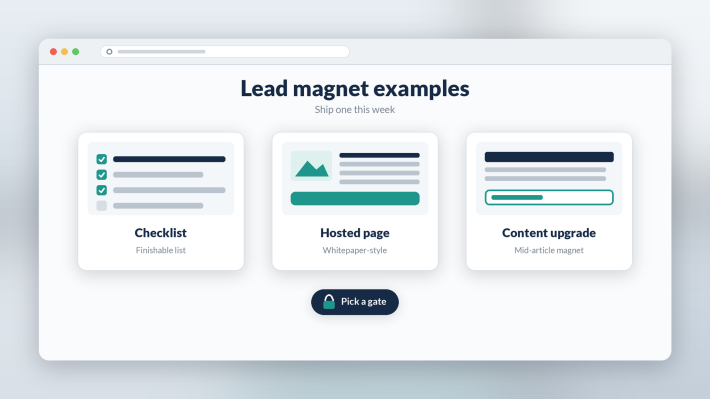
Think of a Notion-like resource page that gates like a landing page and exports like a lead tool.
Paste the steps, add short context or an embedded video, group items into tabs if needed, and publish. The visitor gets a usable interactive checklist — scannable sections and links that stay current — instead of a static printout.
Gate options match the offer:
- Full gate before any content
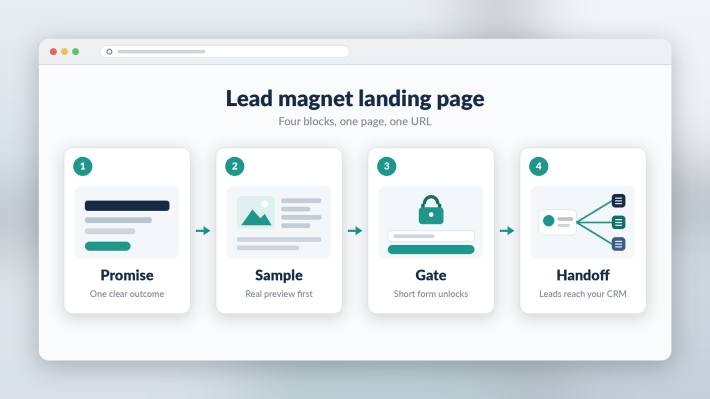
- Partial / scroll gate after a sample of the list
- Gate one tab and leave the rest open
- Gate a downloadable file if you still want a PDF companion
- Popup, top bar gate, or password
Pair the page with a solid gated content checklist. Partial and tab-level gates are the practical win for a gated checklist: sample real value, then convert — harder with a PDF attachment.
How marketers and agencies ship one this week
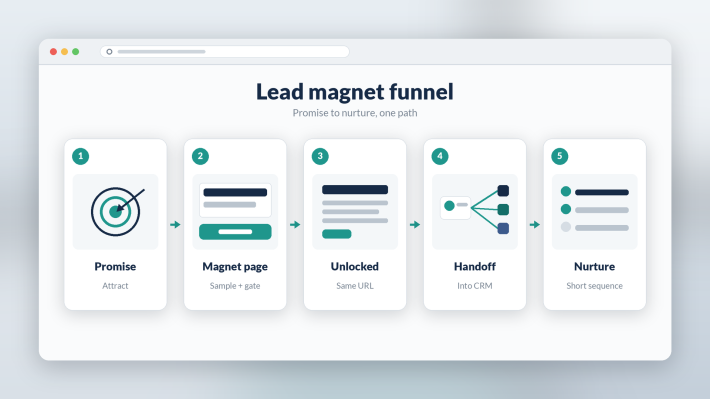
- Start from the job. One outcome — onboarding, audit prep, launch day — and write only for that job.
- Build in the editor. Use a no-code lead magnet builder, drop copy from Docs, structure with headings and tabs, keep items actionable.
- Match brand. Colors and logo; on Premium, white-label on a client subdomain.
- Choose the gate. Soft sample for cold traffic; tighter for high-intent offers.
- Connect the handoff. CSV, Zapier, or webhooks into the CRM or ESP you already run.
That is a productizable lead magnet checklist unit: content + capture + brand + handoff. Strategists and AMs can ship it without parking the job in creative. Speed protects margin; repeatable pages protect scope.
Use a hosted page for updates, brand continuity, and CRM capture. Keep a static PDF checklist for pure reference with no capture goal, or when compliance requires a fixed file. Pairing both is fine; the page remains the acquisition surface.
When Subpage is the wrong choice
Subpage is not a full website builder, not a complete CRM, and not a replacement for complex multi-step funnels, heavy A/B suites, or design-system builds. If you need Unbounce-scale experiments or Webflow-level layout control, use those.
Subpage wins when the brief is: valuable checklist + flexible gate + brand + handoff — done this week. Treat AI draft help as a starting point for copy, not a promise that Files or URL import will perfectly rebuild every asset.
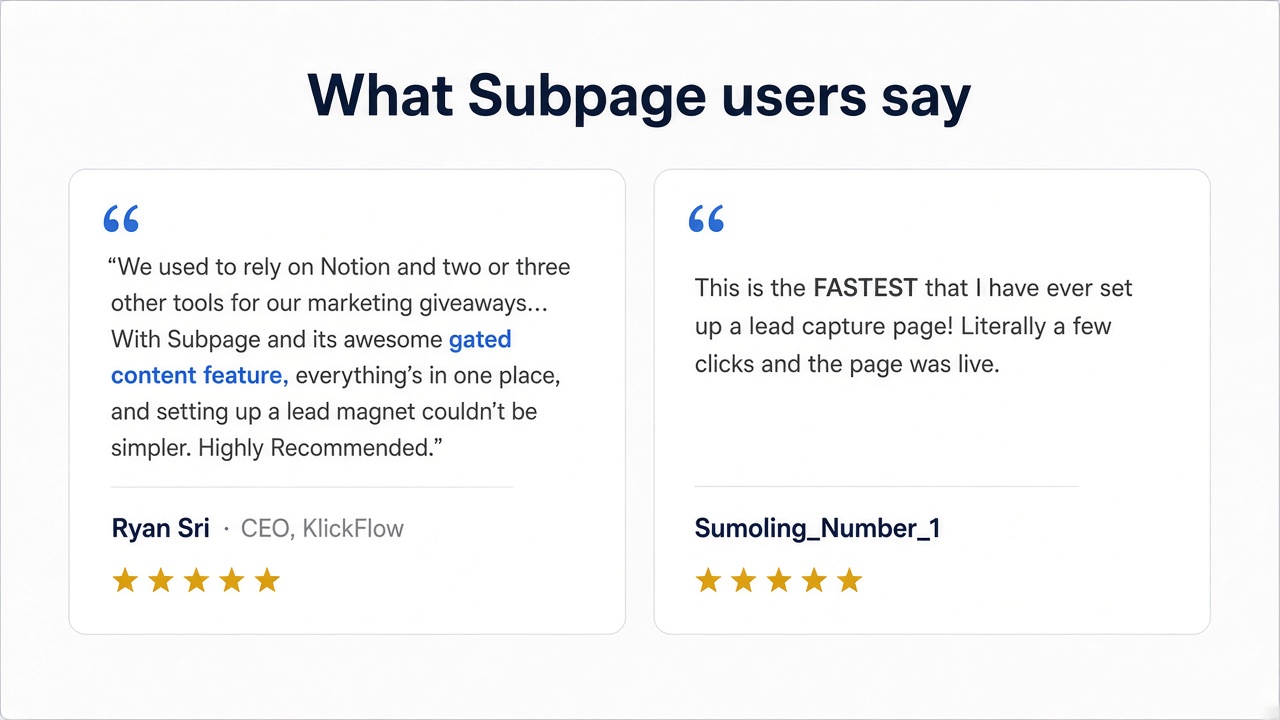
What Subpage users say
Bottom line
A checklist lead magnet works when people use the list and you can prove the capture. Hosted, gated pages beat PDFs for most acquisition work: faster to ship, easier to update, more flexible gates, and leads that leave the tool.
If you still sell PDF checklists as the magnet, try the next one as a Subpage — same checklist, better packaging.
FAQ
Why replace a PDF checklist with a gated interactive checklist? Because static PDF checklists go stale, convert poorly after the first download, and leave leads outside the CRM. A hosted gated checklist lets you update after publish, show partial value before the form, and push contacts into HubSpot, GoHighLevel, ConvertKit, or similar via Zapier, webhooks, or CSV.
How do agencies brand and ship an agency client checklist without burning design hours? Paste the list into a no-code lead magnet builder, apply white-label branding and a custom subdomain on Premium, pick a gate that matches the offer, publish, and connect Zapier or webhooks so leads land in the client’s stack.
When should you still use a PDF checklist instead of a hosted page? Use a PDF for pure reference with no capture goal, or when compliance requires a static file. For acquisition and lists you will revise, a gated interactive page usually beats “email for PDF.”