Soft Gate vs Hard Gate: Pick the Lead Magnet Gate That Matches Intent
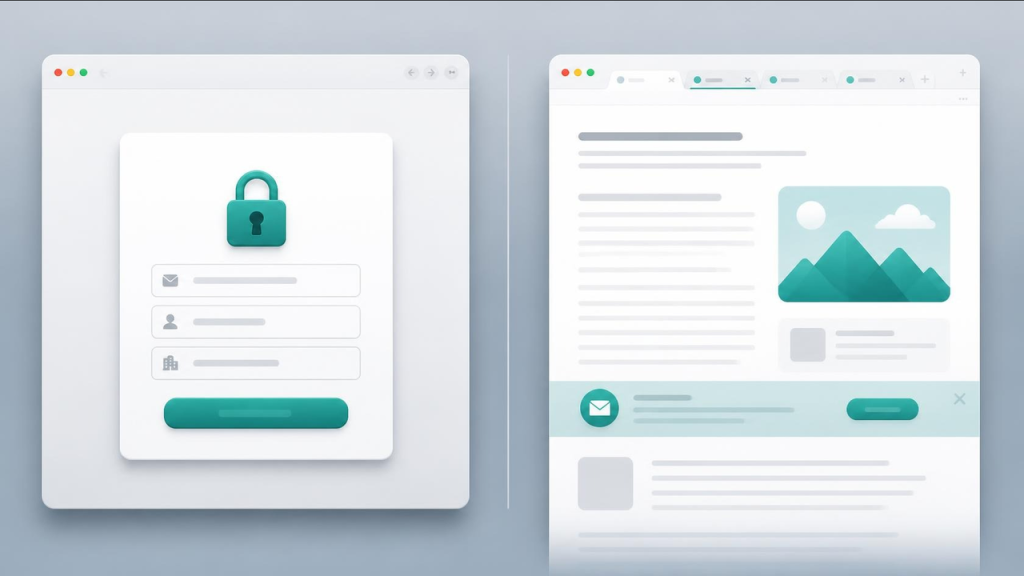
A soft gate shows real value before asking for an email. A hard gate locks the full asset until the form is done. Same magnet, different friction — and the wrong choice can hold back a lead magnet that should be converting.
Marketers and agencies often default to “email for everything.” That hard wall can suit high-intent research. On cold traffic, it can turn away visitors who needed a sample first. Subpage is a no-code gated lead magnet builder: publish the page, then turn on one gate: a full-page gate (Squeeze Page), a partial gate that locks after a set number of pixels (Gated content), tab gating, or a password gate — and change it later without a site rebuild.
Soft gate vs hard gate in plain terms
Hard gate. Little or nothing until submit. Best when the asset is proprietary, compliance-sensitive, or the audience already knows the brand (webinar registrants, sales-assisted deals, paid retargeting).
Soft gate (partial / tab). A public teaser — summary, first checklist section, open tabs — then the form for the rest. Best for cold SEO and social, SEO hybrids, and offers where trust must rise before the ask.
Neither is always better. Soft gates give up some exclusivity to earn trust on cold visits. Hard gates accept fewer submits in exchange for asking only people who already want the asset.
When a soft gate wins
Use a soft gate when traffic is awareness or SEO; when crawlers need an ungated summary (gated content SEO best practices); when a long ebook or multi-tab guide needs a quality sample; or when you are migrating off a stale PDF without an all-or-nothing wall.
Practical shapes: a partial gate that locks after a set number of pixels; one unlocked tab with the rest tab-gated; a public checklist section with deeper steps gated. Shorter offers often ship as a checklist lead magnet with a soft sample of the first steps.
When a hard gate is still right
Keep a hard gate when the full file is the exchange (templates pack, pricing workbook); legal insists nothing public sits on the page; traffic is warm (webinar attendees, email list, outbound); or you measure quality by CRM opportunity rate, not raw form volume. Hard gates still need a clear promise above the form — outcome, length, who it is for.
How to decide in one meeting
- Name the traffic. Cold SEO/social → soft. Warm webinar/CRM → hard (or soft teaser + hard deep cut).
- Name the asset. Short checklist → soft sample. Dense proprietary research → hard or tab-gate the appendix.
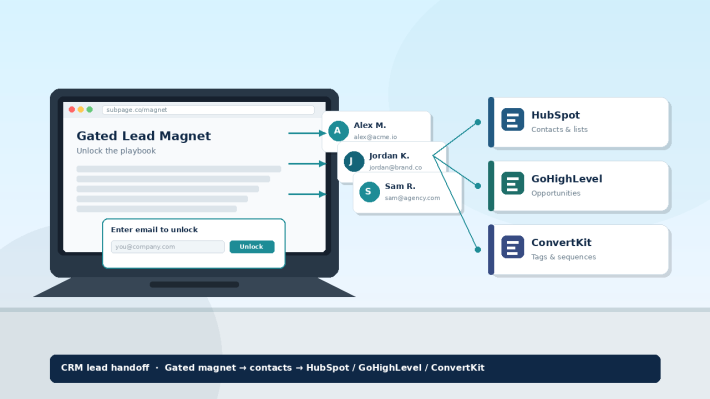
- Name the KPI. List growth and SEO → soft. Sales-ready contacts → hard, then CRM lead handoff into HubSpot, GoHighLevel, or ConvertKit.
- Ship and revise. Hosted pages let you change gate type after publish.
Agencies packaging client magnets can brand once and swap gate style per campaign via the lead magnet tool for agencies pattern. Do not lean on flaky Files/URL AI to invent the teaser — paste the summary you already trust.
Ship either gate this week
- Build the hosted page (headings, tabs, embeds if useful).
- Write a public teaser even if you plan a hard gate — you may soft-gate later.
- Choose one gate per page: full-page (Squeeze Page), partial (Gated content, locks after a set number of pixels), tab, or password.
- Connect Zapier, webhook, ActivePieces, or export so leads leave the tool.
- Test one fake submit; confirm CRM fields before paid traffic.
Subpage is not a full website builder or CRM. It wins when the brief is: valuable page + flexible gate + brand + handoff.
What Subpage users say
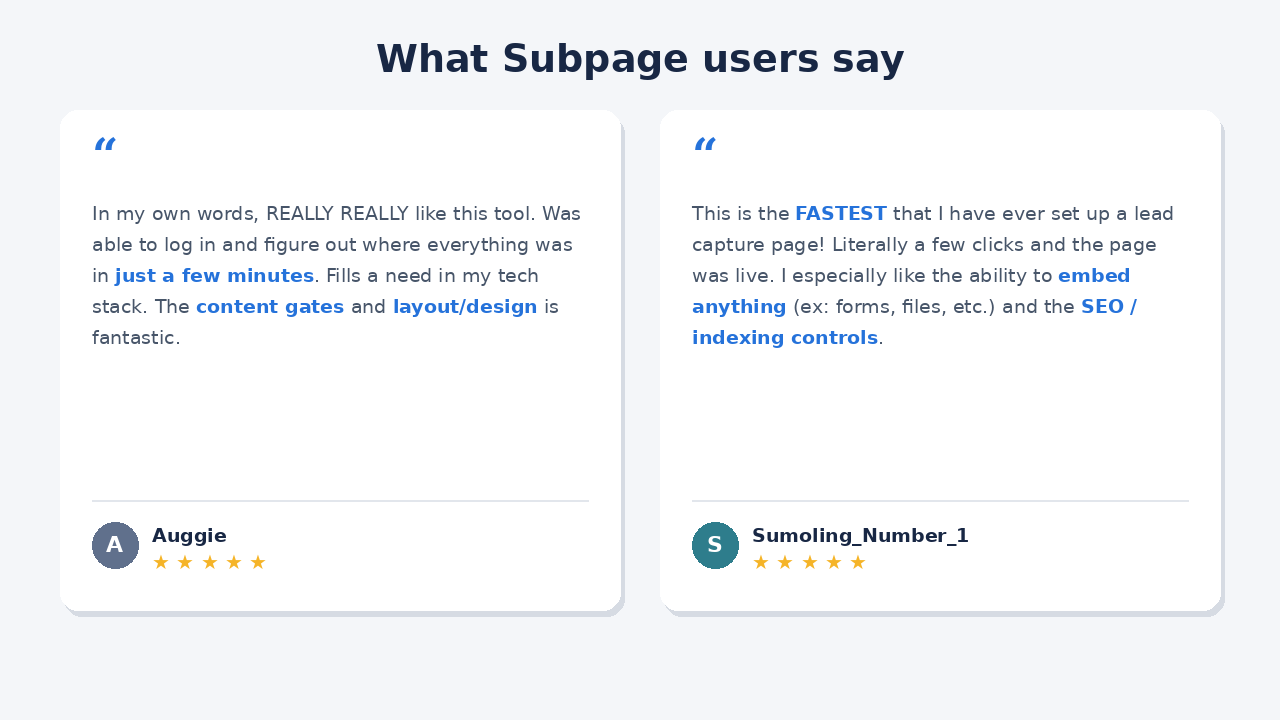
Auggie: “In my own words, REALLY REALLY like this tool. Was able to log in and figure out where everything was in just a few minutes. Fills a need in my tech stack. The content gates and layout/design is fantastic.”
Sumoling_Number_1: “This is the FASTEST that I have ever set up a lead capture page! Literally a few clicks and the page was live. I especially like the ability to embed anything (ex: forms, files, etc.) and the SEO / indexing controls.”
Bottom line
Soft gate vs hard gate is an intent decision, not a branding debate. Soft gates sample value and protect SEO hybrids; hard gates protect scarce assets and warm traffic. Hosted gated pages let you pick — and change — without shipping another PDF.
Start free on the pricing plans that fit, then test one gate change on your next magnet.
FAQ
What is a soft gate on a lead magnet? A soft gate (a partial gate that locks after a set number of pixels, or tab gating) shows a real sample before the email form, then unlocks the rest in place on the same URL after submit — useful for cold traffic and SEO hybrids.
What is a hard gate? A hard gate requires the form before any meaningful content. Use it for proprietary assets, compliance-locked pages, or warm audiences who already expect the exchange.
Soft gate vs hard gate — which converts better? Neither wins universally, and there’s no single benchmark worth quoting. As a rule of thumb, soft gates suit cold SEO and social traffic that needs proof first, and hard gates suit warm audiences from webinars, outbound, and retargeting. Test both on your own traffic and match the gate to your KPI.
Can you change gate type after publish? On a hosted page, yes — switch between full-page, partial, tab, and password gates without rebuilding the magnet (one gate per page at a time). Static PDFs cannot soft-gate mid-file the same way.