B2B Lead Magnet: What Works and How to Build One
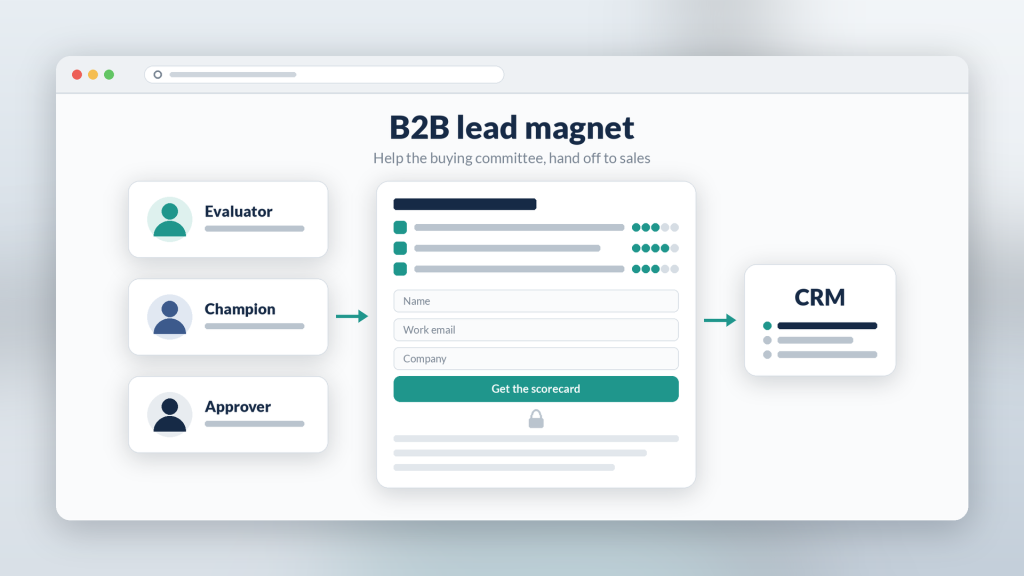
A B2B lead magnet has a harder job than a consumer one. The reader is rarely the only decision-maker, they guard their work email, and the lead is only worth something if it reaches sales with enough context to follow up. A generic ebook doesn’t clear that bar. A focused tool that helps someone do part of their job often does.
Below: which formats earn a work email, which gate to use, how to hand leads off, and how agencies can package this for B2B clients. Examples use Subpage, a no-code gated lead magnet builder, but the thinking applies to any stack.
What makes a B2B lead magnet different
Three things change once the buyer is a business:
- The reader is building a case. They need something they can forward to a manager or paste into an internal doc. Assets that help them justify a decision beat assets that just inform.
- Trust comes before the form. A B2B buyer wants proof the asset is worth a work email. Showing a real sample up front matters more than in consumer marketing.
- The handoff is the point. A lead sitting in a spreadsheet for a week is wasted. Decide where it goes before you publish.
B2B lead magnet formats that earn a work email
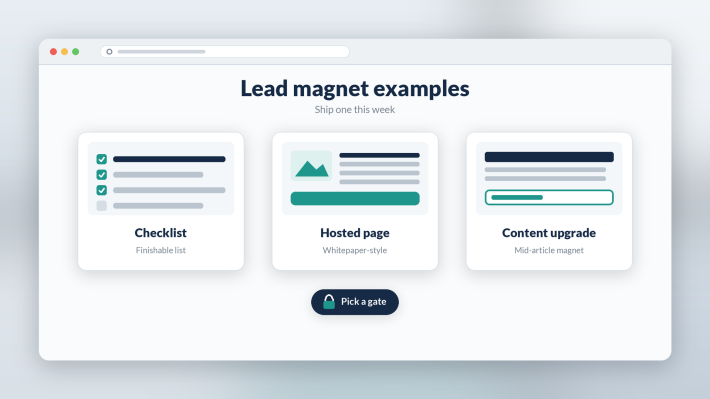
These formats tend to fit B2B buyers because each one saves them work they would otherwise do themselves:
- Evaluation scorecard: a weighted checklist for comparing vendors in your category. It’s useful even if they never buy from you, which is exactly why they trust it.
- Implementation checklist: the steps to roll out a process or tool, in order. The checklist lead magnet guide covers how to structure one.
- Interactive whitepaper: your research or point of view as a hosted, scannable page instead of a 30-page PDF.
- Template or worked example: an RFP outline, rollout plan, or reporting template with your framework pre-filled.
- Benchmark summary: only if you have real, sourced numbers. Made-up stats get spotted fast by B2B readers.
A quick test: would a mid-level manager forward this to their boss with a note saying “worth a look”? If not, tighten the promise.
Choosing the gate
Subpage offers exactly four gate types, and you use one per page:
- Squeeze Page: full-page gate. Best when the reader already knows the asset by name, like a scorecard promoted in a sales email.
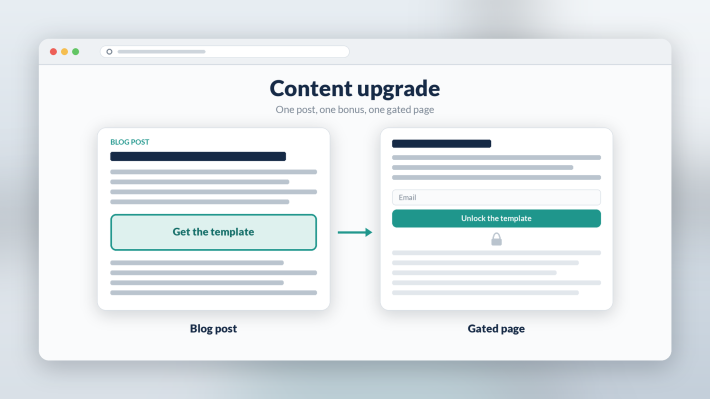
- Gated content (scroll depth): the first section is visible and the rest unlocks after the form. This is the safe default for B2B because the sample does the convincing.
- Tab gating: one open tab, the rest gated. It works well for a multi-part asset, such as a free overview tab with the full scorecard and templates behind the form.
- Password: no email captured. Use it for assets reserved for existing customers, partners, or a client’s internal team.
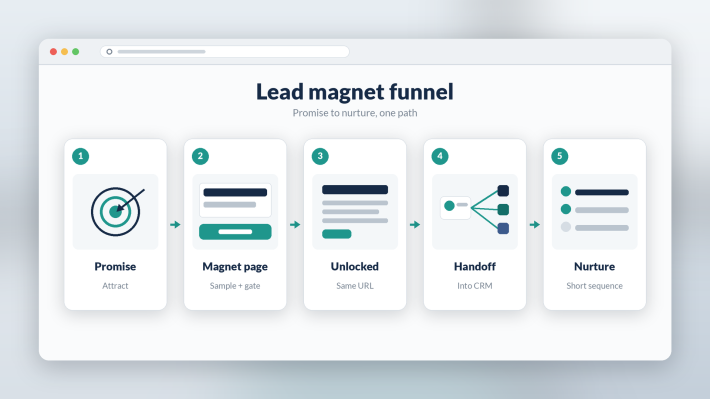
Whichever gate you choose, the content unlocks in place on the same URL. There’s no thank-you redirect, and unless you turn on Double Opt-in, no “check your inbox” step either, so a busy buyer gets the asset the moment they ask for it. The soft gate vs hard gate guide goes deeper on the trade-off.
Keep the form short
Ask for what sales will actually use: name, work email, and maybe company or role. Every extra field costs completions, and you can learn the rest in the first conversation. If you need firmographics for routing, ask for one field rather than five.
Hand the lead to sales with context
Before launch, decide where each lead goes, whether that’s your CRM, your email platform, or a client’s system via webhook, Zapier, or export. Tag every lead with the asset it came from so the first follow-up can reference what the buyer was working on (“You grabbed the vendor scorecard; want a second pair of eyes on it?”). The CRM lead handoff walkthrough covers the setup step by step.
The agency angle
Agencies with B2B clients can treat this as a repeatable deliverable: one page skeleton, one gate choice, one handoff into the client’s CRM, then swap the brand, promise, and sample for each client. It ships without touching the client’s website or waiting on their dev team.
Write the asset from real expertise. AI can help with structure and a first draft, but review every line, because B2B readers can tell generic filler from real experience.
What Subpage users say
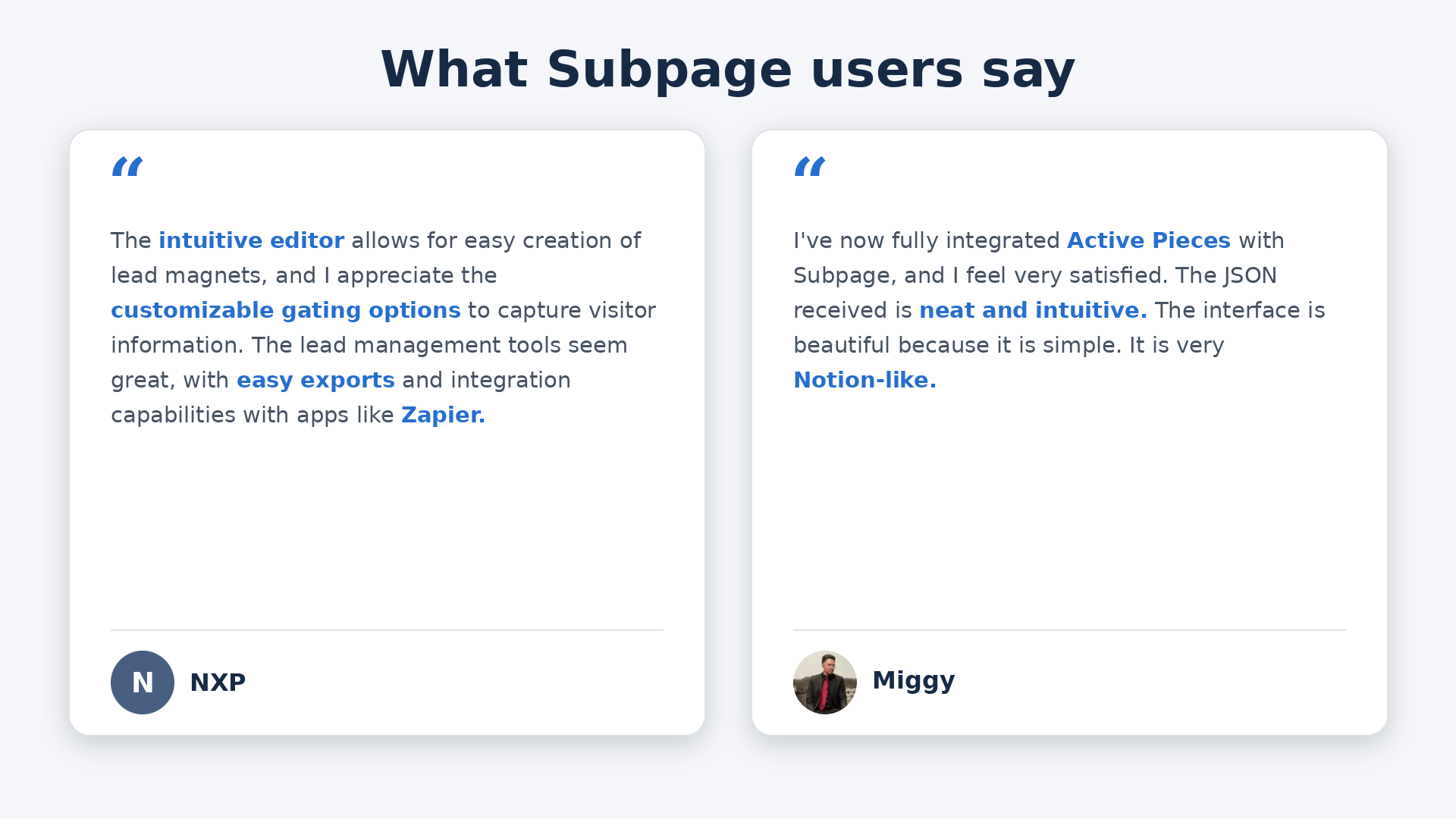
NXP: “The intuitive editor allows for easy creation of lead magnets, and I appreciate the customizable gating options to capture visitor information. The lead management tools seem great, with easy exports and integration capabilities with apps like Zapier.”
Miggy: “I’ve now fully integrated Active Pieces with Subpage, and I feel very satisfied. The JSON received is neat and intuitive. The interface is beautiful because it is simple. It is very Notion-like.”
Bottom line
Pick one asset that helps a buyer do part of their job or make their internal case. Host it on a gated page with a visible sample, keep the form short, and route every lead to sales tagged with what they downloaded. Then build the next one for a different stage of the buying process.
FAQ
What is a B2B lead magnet? A B2B lead magnet is a free resource, such as a vendor scorecard, implementation checklist, template, or interactive whitepaper, that a business buyer gets in exchange for their contact details. The best ones help the buyer do part of their job or justify a decision internally.
Which gate works best for a B2B lead magnet? A partial, scroll-depth gate is often a sensible default for B2B, because the visible sample proves the asset is worth a work email before the form appears. A full-page gate fits when the buyer already knows the asset by name.
What should happen after a B2B lead fills in the form? The content should unlock immediately, and the lead should flow to your CRM or email platform tagged with the asset they requested, so sales can follow up within a day with a message about what the buyer was working on.